Ergonomic Accessories for Coworking Desks and Hot Seats
Shared desks fit nobody exactly. Here is which portable accessories help most, how to set up a hot desk in two minutes, and when pain means seeing a professional.
In this article
- Why is a coworking desk often bad for your body?
- Which accessory helps most: a laptop stand?
- Do you need a separate keyboard and mouse?
- What can you do about a chair that does not fit?
- How should you set up a desk in 2 minutes?
- Are noise-cancelling headphones part of ergonomics?
- Do accessories replace moving around?
- How do you choose what to buy first?
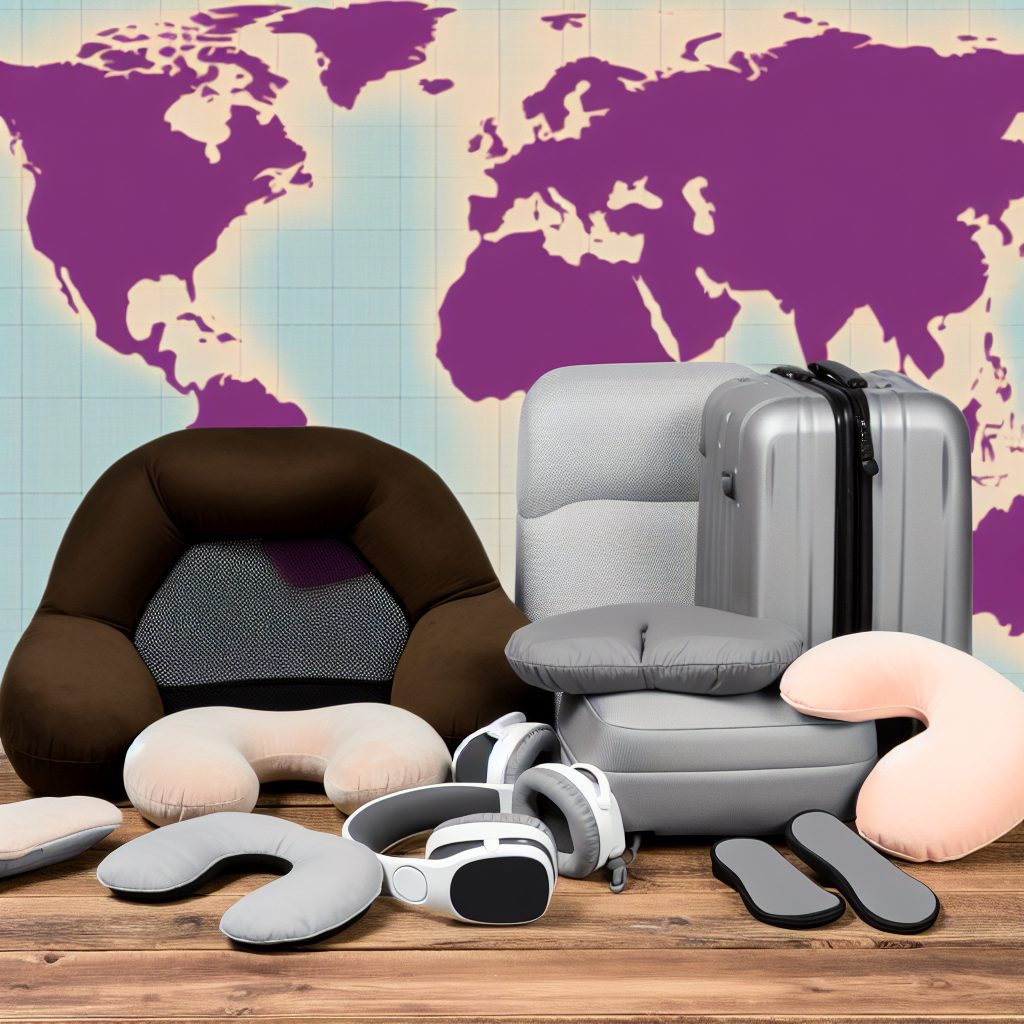
A hot desk or shared table is rarely set up for your body, but a few small, portable accessories can fix most of it: a laptop stand, a separate keyboard and mouse, a lumbar cushion, a footrest and a habit of changing position. Bring them in a small bag and you can make almost any coworking seat workable.
Why is a coworking desk often bad for your body?
Coworking chairs and desks are chosen to suit many people, so they fit nobody exactly. Add a laptop, which puts the screen and keyboard at the same height, and you get a hunched neck, raised shoulders and wrists bent over a trackpad. Most discomfort comes from holding one position for hours, not from one terrible piece of furniture.
Occupational safety guidance such as OSHA's computer workstation guide treats the chair, monitor, keyboard and mouse, and work surface as parts of one setup that should be adjusted to the person. In a shared space you cannot change the furniture, so you bring the adjustments with you.
Which accessory helps most: a laptop stand?
For most people, yes. A stand lifts the screen so the top of it is near eye level, which lets your head sit over your shoulders instead of tipping forward. Because a raised laptop puts the keyboard too high, a stand only works together with a separate keyboard and mouse.
- Choose a folding stand that fits in a laptop bag.
- Check that it is stable on a wobbly shared table.
- Pick one that gives at least a couple of height settings.
Do you need a separate keyboard and mouse?
If you work at a laptop for more than an hour or two, yes. A compact wireless keyboard and mouse let your elbows rest near your sides and your wrists stay fairly straight. Look for a keyboard thin enough to carry and a mouse that fits your whole hand, not just your fingertips.
What can you do about a chair that does not fit?
Lumbar support
A small lumbar cushion or rolled towel fills the gap between your lower back and a flat chair back. Pick something firm enough to hold its shape and slim enough that it does not push you off the seat.
Seat cushion
If the seat is hard or low, a cushion can adjust your height and spread pressure. If you raise the seat, make sure your feet still reach the floor or a footrest.
Footrest
When the desk is too high for your chair, your feet may dangle or you may perch on the edge of the seat. A compact footrest, or even a sturdy box, gives your feet a stable place to rest and supports a better sitting position.
How should you set up a desk in 2 minutes?
- Sit all the way back in the chair and adjust the height so your feet are supported.
- Raise the laptop on its stand until the screen top is about at eye level.
- Place the keyboard and mouse close, so your elbows stay near your sides.
- Add the lumbar cushion and check you can sit comfortably, not stiffly.
- Move away from direct glare, and look away from the screen regularly.
Our portable home office kit guide shows how these pieces fit together in one bag.
Are noise-cancelling headphones part of ergonomics?
Partly. Noise strains concentration, and people who cannot filter a busy room tend to lean in, clench or work longer to compensate. Headphones are a practical way to control your surroundings, and they pair well with a quiet-hours habit. Our post on reliable internet for remote workers covers another part of making a shared space work.
Do accessories replace moving around?
No. The best chair still becomes uncomfortable if you do not move. The CDC's NIOSH ergonomics page describes ergonomics as fitting the job to the worker to reduce strain. Alongside your setup, change position, stand for calls and take short breaks during the day. Many coworking spaces have standing bars or lounge seating, which makes this easy.
How do you choose what to buy first?
Start with what you feel. Sore neck: laptop stand with keyboard and mouse. Sore lower back: lumbar cushion. Tingling or aching wrists: better keyboard and mouse placement. Persistent pain, numbness or tingling is a reason to see a doctor or physical therapist rather than buy another gadget.
If you are looking for a space that offers better furniture, our guide to using coworking spaces as a business resource shows what to look for when you tour one.
Frequently asked questions
What is the single most useful ergonomic accessory for a coworking space?
Why do I need a separate keyboard if I use a laptop stand?
Can a cushion fix a chair that is too hard or flat?
When is discomfort a reason to see a professional?
Sources and further reading
- OSHA's computer workstation guide osha.gov
- NIOSH ergonomics page cdc.gov

