How to Manage Your Time When You Work From Home
Working from home removes the office structure that used to organise your day. Here is how to rebuild it with a workspace, time blocks, fewer interruptions and a firm finish time.
In this article
- Why is time harder to manage at home?
- Where should I work at home?
- How do I plan a workday that holds together?
- How can I cut down on distractions?
- Do breaks really help?
- How do I keep communication clear with my team?
- How do I switch off at the end of the day?
- Which tools are worth using?
- What should I do this week?
Coworkism earns from purchases made through the MaviGadget links in this post.
The way to manage your time at home is to rebuild the structure an office used to give you: a set place to work, fixed start and finish times, a short list of priorities, and scheduled blocks for focused work. Add rules about interruptions and real breaks, and the day becomes far easier to control.
Why is time harder to manage at home?
In an office, the building, the commute and your colleagues' routines shape the day for you. At home, nothing does. Work spreads into the evening, small chores creep into working hours, and nobody notices how your day is going until a deadline slips.
The fix is not more willpower. It is a few simple rules that you set once and then follow.
Where should I work at home?
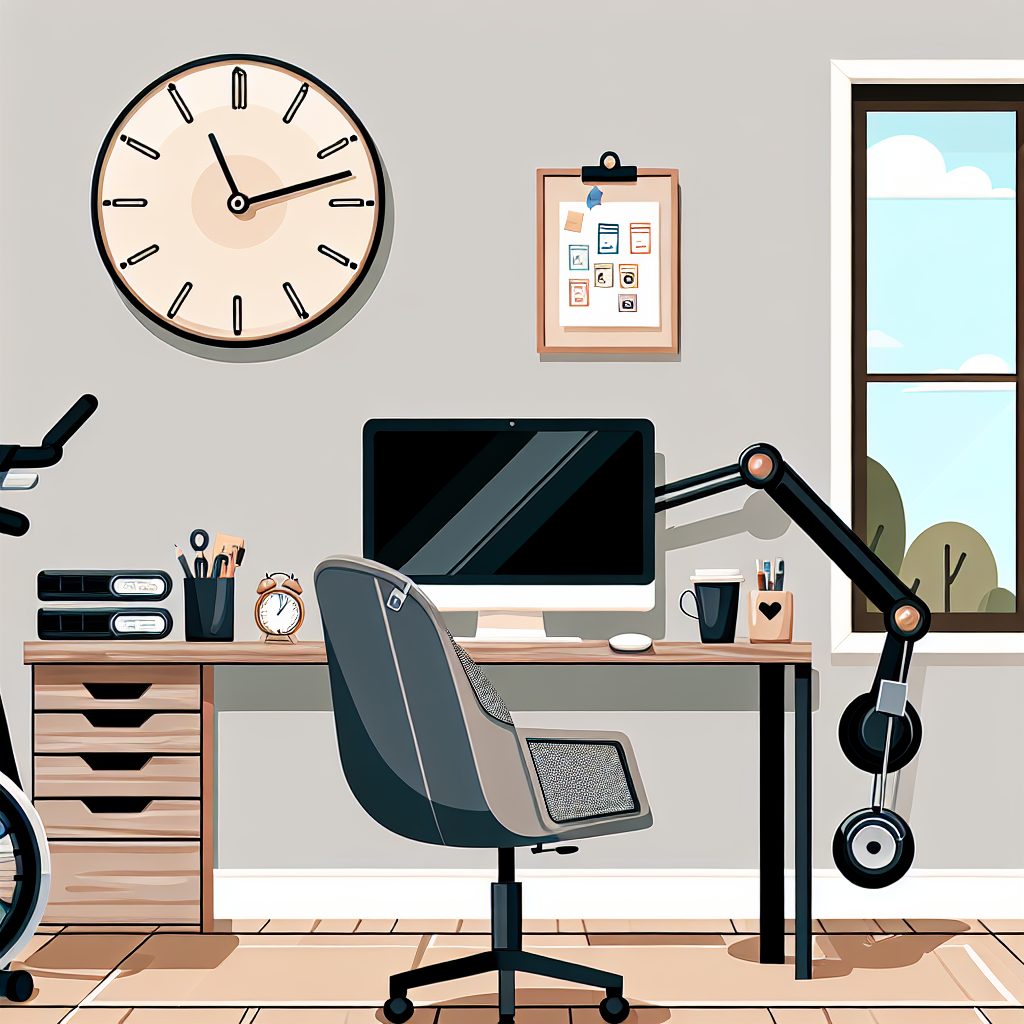
Choose one spot that is used for work and nothing else. It can be a spare room, but a table in a corner works just as well. Sitting there tells your brain it is time to start, and leaving it helps you switch off.
- Pick a place away from the television and the kitchen if you can.
- Make sure there is good light and that your screen is not facing a window glare.
- Keep only what you need for today on the desk.
Comfort matters too. OSHA's computer workstation guidance explains how to set up your chair, keyboard, monitor and posture so long days at a desk are easier on your body. If you are building a setup from scratch, our guide to a portable home office kit lists what to include.
How do I plan a workday that holds together?
Set a start and an end
Choose hours that fit your job and your household, then keep them most days. A steady start makes it easier to begin, and a steady end makes it easier to stop. If your team works across time zones, agree overlap hours with them and plan the rest of your day around those.
Pick your top priorities
Each morning, or the evening before, write down the two or three tasks that would make the day a success. Sort the rest of your list by two questions: does it have to be done soon, and does it really matter? Do the urgent and important items first, schedule the important but not urgent ones, and question whether the rest need doing at all.
Use time blocking
Time blocking means giving each task a slot in your calendar instead of working from an open-ended list. It forces you to see how much time you really have.
- List the tasks you want to finish today.
- Guess how long each will take, then add some slack. Most tasks take longer than expected.
- Place the demanding work in the part of the day when you think most clearly.
- Put email, messages and small admin into their own short blocks.
- Leave a gap or two for things that overrun.
If a block gets pushed, move it on the calendar rather than dropping it silently.
How can I cut down on distractions?
Start by noticing what actually interrupts you. For most people it is phone notifications, chat pings, open email and the people they live with.
- Turn off notifications you do not need during focus blocks, and close the chat and email tabs.
- Tell the people at home your working hours, and agree on a signal such as a closed door for when you cannot be disturbed.
- Keep your phone out of reach during deep work.
- If your internet connection drops or lags, fix it at the source. Our guide to reliable home internet covers the usual causes.
If home is simply too noisy, a coworking desk for a few days a week can give you a quiet place without a full-time commitment. Some spaces even offer meeting rooms for the days you need to host people, as we explain in our piece on using coworking spaces for workshops.
Do breaks really help?
Yes, and skipping them usually costs more than it saves. Short breaks to stand up, stretch, look away from the screen or walk around the room make long sessions easier on your body. Take your lunch away from your desk, and do not use it to catch up on messages.
Schedule breaks in your calendar the same way you schedule work. They are easier to keep when they are written down.
How do I keep communication clear with my team?
When people cannot see you working, clear updates take the place of being seen. A few habits help:
- Share your working hours and when you are likely to reply.
- Send a short update when a task is done, blocked or running late, rather than waiting to be asked.
- Choose the right channel: chat for quick questions, email or a shared document for decisions that others need to find later.
- Hold regular check-ins with your manager or clients so priorities do not drift.
How do I switch off at the end of the day?
This is the part many remote workers skip. Without a commute, the day has no natural end, and it is easy to keep answering messages at night.
The World Health Organization has reported that working long hours is linked to a higher risk of stroke and heart disease. Its joint study with the ILO is a good reason to treat your finish time as firm.
- End the day by writing tomorrow's top tasks, then close the laptop.
- Put your work equipment out of sight if you can.
- Do something that marks the change, such as a walk, exercise or cooking.
Which tools are worth using?
You do not need many. A calendar for time blocks, a simple task list, and one chat tool for your team are enough for most people. A time tracker can be useful for a week or two if you want to see where your hours really go. Add more only when a specific problem calls for it. If you like gadgets that help with focus, Mavigadget's collection of focus gadgets is one place to look.
What should I do this week?
Do not try everything at once. Choose three changes: a fixed finish time, a daily list of two or three priorities, and one distraction you will remove. Keep them for a week, notice what changes, and then add the next habit.
Remote work gives you control over your day, but only if you build the structure yourself. A few steady habits will do more for your output than any app.
Frequently asked questions
What is the simplest way to start managing time at home?
How do I stop family or housemates interrupting me?
Do I need a separate room to work from home?
How often should I take breaks?
Is working longer hours a good way to get more done?
Sources and further reading
- computer workstation guidance osha.gov
- joint study with the ILO who.int

